%201.svg)


.png)


Every business faces the inevitability of busy periods. Whether it's seasonal spikes, a sudden product issue, or just an unexpected surge in demand, call overflow is a real problem. If your team can’t handle the calls, frustrated customers won’t hesitate to walk away. The question isn’t whether you’ll face overflow calls, it’s how well you handle them.
Getting this right ensures customer loyalty and, more importantly, customer satisfaction. In this article, we’ll explore effective strategies and show you how to choose the right tools to turn this challenge into an opportunity.
What is Call Overflow?
No one likes waiting on hold. Yet, businesses everywhere rely on outdated call center systems that make customers do just that. Call overflow is the moment your customer service system is overwhelmed. It happens when the call volume exceeds the number of agents available to take those calls. Think of it as a traffic jam in your call center, customers are left stuck, and valuable interactions are missed.
The thing is, this isn’t just a technical issue; it’s a customer experience problem. When customers are forced to wait too long or their calls go unanswered, they’re not just frustrated, they’re ready to move on. Overflow calls typically arise during peak times, like product launches, holidays, or special promotions. But unforeseen events like product defects or service disruptions can lead to surges too.
Handling call overflow effectively is about reducing the pressure on your team while still delivering an exceptional customer experience.
Top Strategies for Effective Overflow Call Handling
- Smart Call Routing: Imagine a world where every incoming call is directed straight to the right person no more long wait times or wrong transfers. Smart call routing achieves this. By using intelligent routing systems, calls are automatically directed to available agents or even automated systems for basic queries. This helps ease the burden on your agents and ensures faster responses.
- AI-Powered Assistance: AI chatbots and voice assistants are not just techy gimmicks, they’re here to solve real problems. By using AI to handle routine questions, appointment scheduling, or FAQ responses, you can free up your human agents to focus on more complex issues. SquawkVoice takes it a step further, offering seamless AI integration to handle overflow calls with zero downtime.
- Temporary Overflow Staffing: No matter how good your team is, sometimes you just need more hands on deck. Consider outsourcing overflow during high-demand periods. With temporary call agents, either remote or third-party, you ensure that no call goes unanswered without the need for permanent staff increases. It’s flexible, efficient, and can be activated whenever necessary.
- Cross-Training Your Team: Staff with multiple skills are incredibly valuable during overflow situations. Cross-training your agents means they’re equipped to handle a broader range of calls, cutting down on the number of call transfers needed. This not only reduces customer frustration but increases efficiency during peak times.
5 Best Tools For Handling Call Overflows
Squawkvoice:
Overview
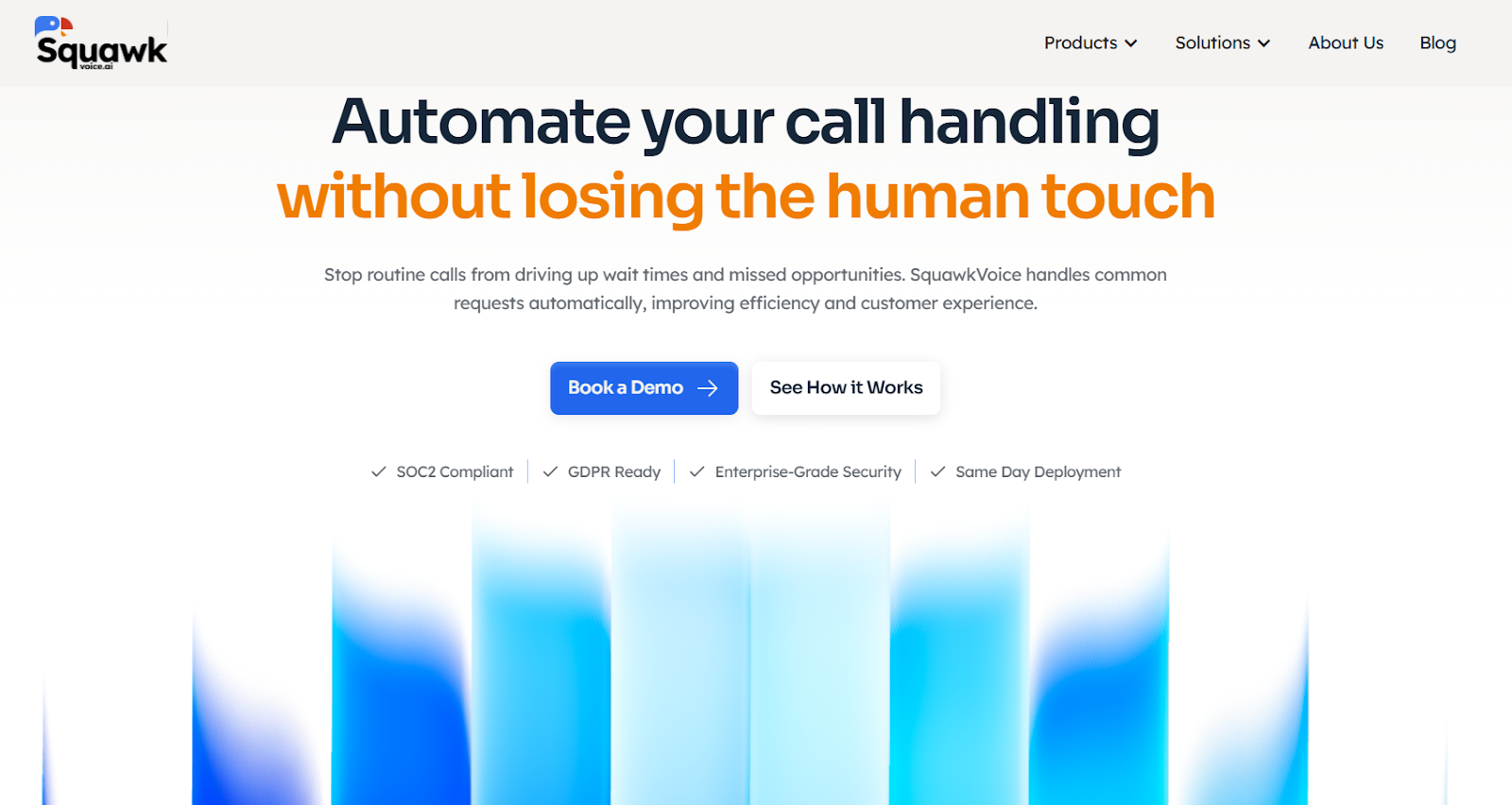
SquawkVoice is an AI-powered call management app designed to streamline business communications, especially during times of high call volume. Whether you're a solo entrepreneur or part of a mid-market company, SquawkVoice provides an intuitive, mobile-first solution to handle overflow calls effectively. With its mobile app and web application, SquawkVoice ensures that calls are answered promptly, reducing missed opportunities and increasing customer satisfaction.
Pricing
SquawkVoice offers free trial with no commitment. Pricing is determined by the number of calls you receive each month, allowing businesses to scale their costs in line with their call traffic.
Key Features:
- SquawkVoice’s AI receptionist is always on, ensuring that no call goes unanswered. During times of overflow, it efficiently manages routine inquiries, preventing missed calls and the frustration of voicemail systems.
- The platform uses advanced AI to route calls intelligently. During overflow, it handles simple, repetitive tasks like FAQs or appointment bookings, while more complex queries are escalated to live agents with full context.
- Every interaction is automatically captured in SquawkVoice's built-in CRM. This feature is especially valuable for managing overflow calls, as it ensures that all customer data is stored, even if the call is not resolved immediately.
- SquawkVoice streamlines appointment scheduling, by integrating with Google Calendar, Outlook, or its own scheduling system, automatically confirming appointments and avoiding overbookings.
- Overflow calls often involve customers who speak different languages. SquawkVoice handles these calls by offering multi-language support, ensuring that your business can engage with a wider customer base, even during high call volumes.
- SquawkVoice provides valuable insights into call trends, including volume spikes and call deflection rates. Real-time data allows businesses to quickly adapt and ensure that customer service standards remain high, even during peak periods.
- The tool is designed with a mobile-first approach, allowing business owners and managers to control call handling directly from their smartphones. This is particularly useful for small businesses and solo entrepreneurs who need to stay connected and manage overflow calls on the go.
RingCentral AIR
Overview:
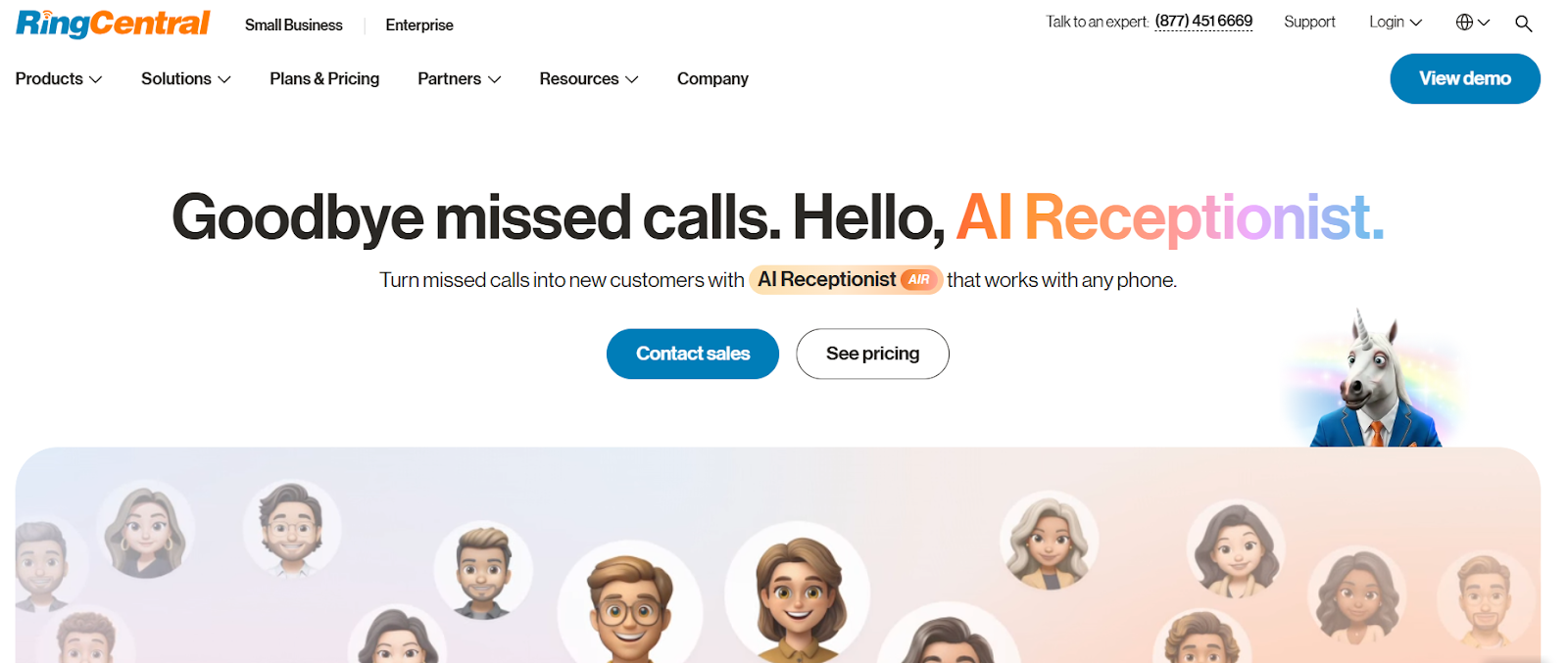
For decades, contact centers have been synonymous with hold times, repetitive tasks, and overwhelmed agents. But the future of customer service is finally here—RingCentral AIR is making that change. By integrating AI into RingCentral’s existing platform, AIR augments agent workflows, enhancing efficiency and improving customer satisfaction without losing that personal touch.
Key Features:
- The interface is intuitive, making it easy to navigate and adopt, especially for teams already using RingCentral.
- For businesses already embedded in the RingCentral ecosystem, AIR offers a seamless, simple setup, ensuring agents can start benefiting from AI immediately.
- While limited in scope, AIR’s workflow features allow for basic AI enhancements that boost agent productivity without overwhelming them with complexity.
- Transcripts, recordings, and conversational analytics help teams understand and improve customer interactions at a granular level.
- Provides detailed call logs and conversational analytics to track performance and gain actionable insights, ensuring that every interaction leads to better outcomes.
Pricing:
- Standalone AI Receptionist - Starts at $59/month
- AI Receptionist + RingEX™ Bundle - Starts at $39/month (AI) + $30/month (RingEX Core Plan)
Best Suited: Ideal for existing RingCentral CC customers who want to add an AI layer to streamline agent workflows without overhauling their systems.
Synthflow:
Overview:
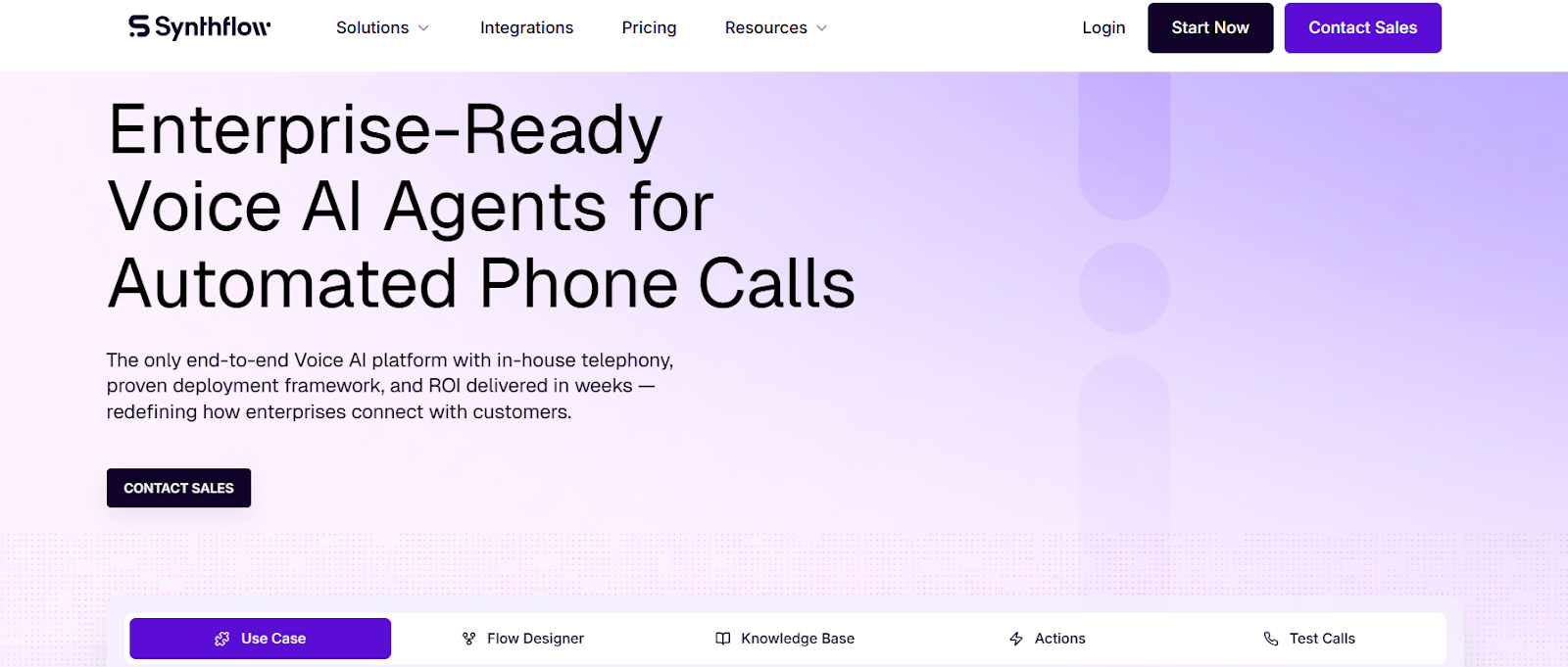
Synthflow stands apart as the go-to solution for teams who aren’t afraid to roll up their sleeves and dive deep into the technical aspects of AI. For businesses that need custom workflows to align perfectly with their needs, Synthflow is the platform of choice. But be warned: it’s not for the faint of heart. Success here demands technical expertise and a strong grasp of AI implementation.
Key Features:
- The interface isn’t designed for simplicity, expect complicated menus and technical depth. But this complexity comes with the flexibility needed to build sophisticated AI workflows.
- Synthflow requires skilled technical resources to implement and configure, making it suitable for organizations with dedicated teams for AI development.
- It offers deep customization options, allowing you to design and iterate workflows tailored to your business’s unique needs—provided you have the technical know-how to implement them.
- While Synthflow provides transcripts and recordings, actionable summaries are not automatically available unless you take the time to customize them, ensuring your workflows are as powerful as your custom AI integrations.
- Advanced analytics options come with the platform, but they require customization to unlock deeper insights. You’ll need to roll up your sleeves and tailor the solution to get the most value.
Pricing: Pricing plans are tailored to meet the needs of small teams just getting started (Pay as You Go) or large enterprises requiring high-volume call handling, security, and scalability (Enterprise).
Best Suited: Perfect for teams who want to build custom AI voice solutions and have the technical expertise to navigate complex setups and workflows.
Vapi:
Overview:
Vapi is built for teams that demand the flexibility to tailor their AI solution. If you have a tech-savvy team capable of handling complex configurations, Vapi offers one of the most robust AI voice platforms available. It’s not an off-the-shelf solution but a highly customizable tool that enables businesses to create workflows that meet their unique requirements.
Key Features:
- The user interface comes with an intricate set of menu options. It’s not the most intuitive, but once you know your way around, it’s a powerful tool.
- Expect a more involved setup process that will require technical expertise to ensure full optimization of the platform.
- Vapi’s power lies in its customization. Workflow design is complex and technical, but that means it can be shaped exactly to your needs.
- With comprehensive features like recordings, transcripts, and structured actions, Vapi provides deep operational insights that help teams analyze customer interactions effectively.
- Advanced analytics are available, with plenty of options for customization. Vapi’s analytics give you a deep dive into your customer interactions—just be prepared to put in the work to set them up correctly.
Pricing:
- Usage based - Starts with $10 free
- Enterprise - Custom Pricing
Best Suited: Vapi is designed for teams that require highly customizable AI workflows and have the technical resources to configure and manage them at scale.
Bland:
Overview:
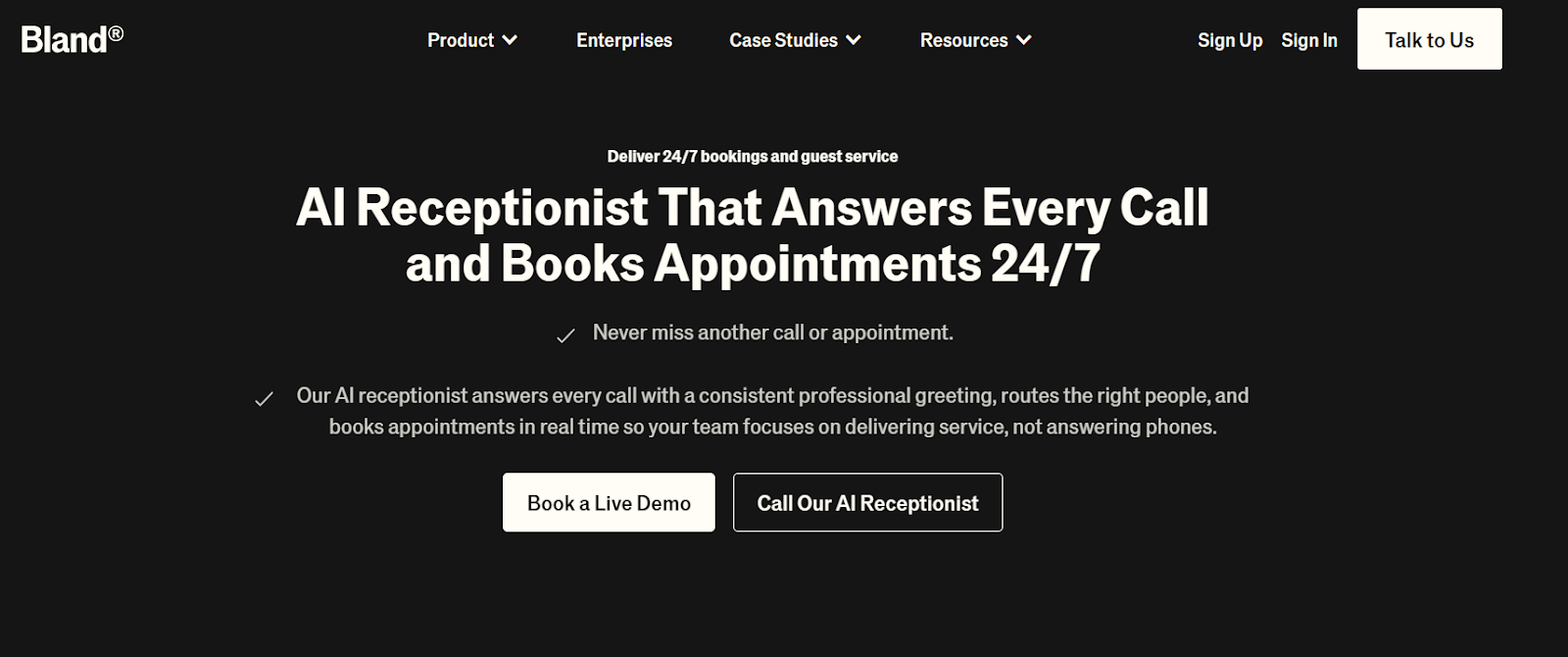
Bland offers a no-frills approach for teams looking to replace or deflect phone support with AI. While it doesn’t provide the robust feature set of other platforms, it serves its purpose by delivering basic call management, transcription, and recording features. It’s ideal for businesses looking to get started with AI without diving into the complexities of custom workflows and advanced analytics.
Key Features:
- Bland’s user interface is functional, but not the most intuitive. It’s a simple design, which may feel dated and a bit complicated for new users.
- A relatively straightforward setup, though some technical knowledge is required to get everything working smoothly..
- Like the UI, Bland’s workflow design is basic and doesn’t provide the deep customization seen in more advanced platforms. It’s about simplifying the process, not refining it.
- It offers essential features like transcripts and recordings, but it lacks structured actions, meaning post-call analysis and actionable insights are limited.
- Bland provides basic call analytics, but if you want deeper insights or advanced customization, you’ll need to roll up your sleeves or look elsewhere.
Pricing:
- Start- Free
- Build - $299/month
- Scale - $499/month
Best Suited: For teams looking to replace or deflect phone support with basic AI features. It’s an entry-level option for those who don’t need deep customization or complex analytics.
GoodCall:
Overview:
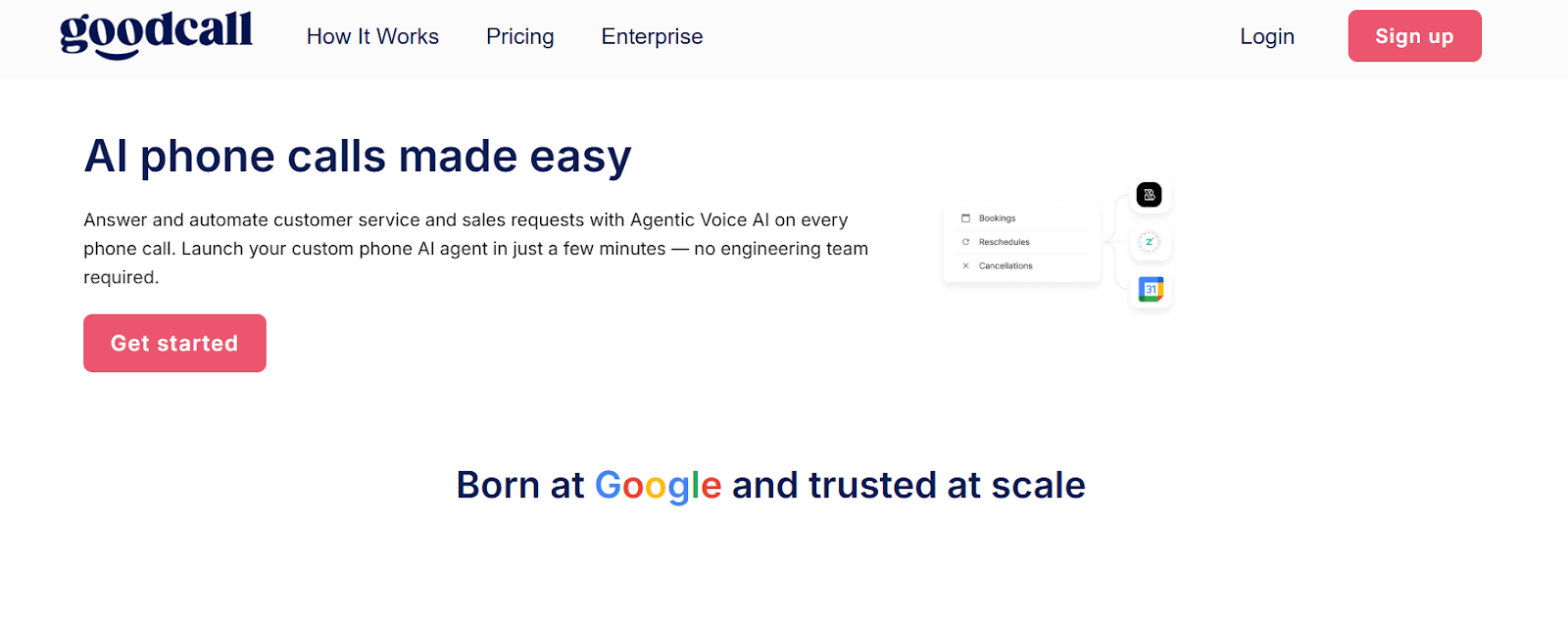
GoodCall is designed to help teams replace or deflect phone support using AI, with a tiered pricing model based on unique customer leads. It's a straightforward, easy-to-implement solution with the right balance of AI power and user-friendliness, though its dashboards and overall interface could use some polish. For businesses that need a simple, affordable solution, GoodCall offers an entry point into the world of AI-driven support.
Key Features:
- The interface may not be the most intuitive or visually appealing, but it does the job. Expect a functional experience that might require a bit of time to adjust to.
- Simple setup, with minimal technical expertise needed to get things up and running.
- The platform is easy to implement, but it’s basic in terms of workflow design. It’s not a highly customizable tool but is designed to work efficiently for standard use cases.
- Transcripts are available, but recordings require customer consent. Unfortunately, there are no actionable summaries available, which limits the visibility post-call.
- GoodCall offers outcome tracking and resolution trends, but it lacks the more granular analytics found in other platforms.
Pricing:
- Starter
- Monthly: $79/month per agent
- Annual: $66/month per agent (15% off)
- Growth
- Monthly: $129/month per agent
- Annual: $108/month per agent (15% off)
- Scale
- Monthly: $249/month per agent
- Annual: $208/month per agent (15% off)
Best Suited: Great for teams replacing or deflecting phone support with AI who need a simple, cost-effective solution with a straightforward setup process.
How to Choose the Right Overflow Call Solution
Choosing the right overflow solution for your business isn’t as simple as picking the most affordable option. It’s about finding a solution that meets your needs now—and can grow with you as your business expands. Here are some key factors to keep in mind:
- Scalability: The solution should be able to handle any call volume, from routine days to unexpected surges. Make sure the service scales with your business.
- Integration: Your overflow solution needs to integrate seamlessly with your existing systems whether it's your CRM, telephony, or customer support software. A clunky solution will only add more frustration.
- Real-Time Monitoring: Overflow management isn’t just about responding to call surges. It’s about understanding your call volume in real-time, so you can adjust staffing, tweak routing, and ensure no call goes unanswered.
- Automation and AI: Choose a system that leverages automation to handle basic queries and route calls effectively. This reduces wait times and allows agents to focus on solving complex problems.
Why Should You Choose SquawkVoice for Overflow Call Handling?
When it comes to handling overflow calls, SquawkVoice isn’t just another tool, it’s your solution to the chaos. Here’s why:
- AI-Driven Call Routing: SquawkVoice uses intelligent call routing to ensure customers are always connected to the right agent or system, without the frustrating wait times.
- Seamless Integration: SquawkVoice integrates effortlessly with your existing systems, meaning you don’t have to overhaul your entire infrastructure to improve call handling during peak times.
- Real-Time Analytics: With real-time insights, you can monitor call volumes, agent performance, and even adjust workflows on the fly. This ensures that you’re always in control of the situation, no matter how busy it gets.
- Scalability: Whether you’re handling hundreds or thousands of calls, SquawkVoice grows with your needs. This scalability ensures that your team stays productive, even during unexpected surges.
- Customer Satisfaction: With SquawkVoice, you can reduce wait times, avoid dropped calls, and provide immediate assistance through AI, ensuring no customer is left waiting.
By understanding and implementing strategies like smart call routing, automation, and AI assistance, your business can turn call overflow into an opportunity to enhance customer service, rather than letting it overwhelm your team.
Ready to see how SquawkVoice can streamline your overflow call handling and improve customer satisfaction? Book a demo today and discover how our AI-driven solutions can work for your business.
FAQ:
1. What Is Overflow Call Handling?
Overflow call handling refers to systems or services designed to manage call volume when your call center exceeds its capacity, ensuring no call is missed and customers aren’t left waiting.
2. Why Overflow Calls Hurt Your Business?
Overflow calls can lead to frustrated customers, increased abandonment rates, and missed opportunities, ultimately damaging customer satisfaction and long-term business growth.
3. What are the Common Causes of Call Overflow?
Common causes of call overflow include seasonal spikes, unexpected product issues, understaffing, or an unforeseen crisis, all leading to a call volume higher than your team's capacity.
4. What are the Benefits of Call Overflow Handling Tools?
Call overflow handling tools offer improved customer satisfaction, reduced wait times, and efficient resource management by automatically managing call traffic and ensuring no customer is left without assistance.
5. How Can Businesses Manage High Call Volume?
Businesses can manage high call volume by using strategies like intelligent call routing, AI-driven solutions, outsourcing overflow calls, and real-time analytics to ensure calls are answered promptly.
6. Can Overflow Calls Be Handled Automatically?
Yes, overflow calls can be handled automatically using AI-powered tools like IVR systems or virtual agents, which manage simple queries, allowing live agents to focus on more complex tasks.
7. What Tools Are Best for Overflow Call Management?
Tools like SquawkVoice, AI-powered virtual agents, and intelligent call routing systems are best for managing overflow calls, offering scalability, automation, and seamless integration with your existing systems.