%201.svg)


.png)


Introduction
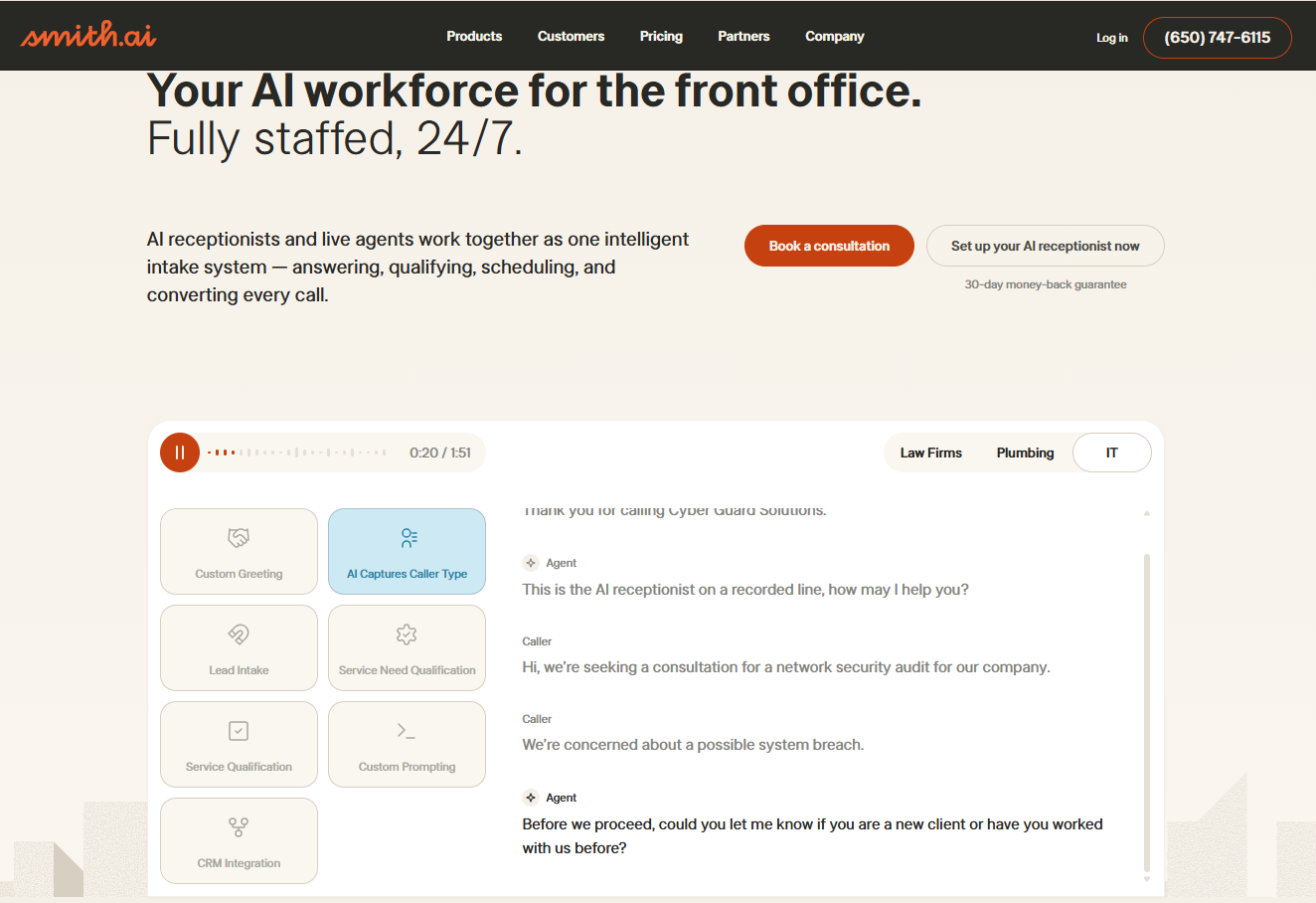
Your Smith.ai bill started at $300/month. Then the call volume picked up. Now you're paying $8.50 to $11.50 per call in overages, and your monthly invoice looks nothing like the plan you signed up for. You're not alone. Unpredictable per-call pricing is the number-one reason businesses start searching for Smith.ai alternatives.
Second, Conversational AI in 2026 can handle complex, multi-step phone calls without handing off to a person. It can pull up a caller's account before it says hello. It can check order status mid-conversation. It can route escalations with full context and a transcript. These aren't future promises. They're shipping features from platforms like SquawkVoice that cost a fraction of what hybrid services charge.
This guide breaks down the best Smith.ai alternatives available right now. We compare real pricing, actual AI capabilities, integration depth, and deployment speed so that you can pick the right fit without another surprise invoice.
How We Evaluated These Alternatives
We didn't rank these tools by popularity or brand recognition. We tested them against the specific problems that push businesses away from Smith.ai. We evaluated each tool against:
- Pricing transparency
- AI depth
- Real-time data access
- Integration breadth
- Deployment speed
- Escalation intelligence
- Security and compliance
Where Smith.ai Falls Short
Smith.ai isn't a bad product. For solo attorneys or small practices fielding a handful of calls per day, the hybrid model can work. But it has real structural limits that become apparent quickly once your needs grow beyond basic call screening.
Per-Call Overages Turn Growth Into a Penalty
The human receptionist plan starts at $300/month and includes a set number of calls. Go over that limit, and you're paying $8.50 to $11.50 per additional call.
The AI receptionist starts at $95/month, but still charges per-call overages. There's no unlimited option. No flat rate. Every busy week becomes a billing event.
AI That Reads Scripts
When a conversation goes off-script or requires multi-step reasoning, the system escalates to a human agent. A customer asking about an order, then wanting to reschedule a delivery, then asking about a return policy, all in one call, triggers escalation at each turn. Each escalation adds cost and latency.
No Live Data Lookups During the Call
Smith.ai integrates with over 7,000 apps via Zapier and syncs with CRMs like Clio, HubSpot, and Salesforce for post-call data pushes. But during the actual call, the AI can't pull real-time information from your backend systems. It can't look up an order status while the caller waits. It can't check appointment availability in your calendar mid-conversation.
Setup Takes Days
Getting Smith.ai running involves scripting your call flows, configuring intake forms, and wiring up Zapier integrations. Onboarding support exists, but the process takes days, sometimes longer if your workflows are complex. Compare that to pure AI platforms, where a non-technical team can configure an agent, upload a knowledge base, and go live the same afternoon.
The Hybrid Model Doesn't Scale Where It Counts
Human receptionists deliver warmth and flexibility. AI delivers speed and cost efficiency. Smith.ai tries to blend both, but the blend also introduces the worst constraints of each. You get the per-call costs of human labor without the deep conversational intelligence of modern AI. You get 24/7 availability in theory, but hold times creep in when human agents are at capacity.
What to Look for in a Smith.ai Alternative
Not every alternative solves the same problem. Some swap one overpriced service for another. Others fix the billing but strip out the features you actually need. Before you compare platforms, know what matters.
Predictable, Volume-Friendly Pricing
Look for usage-based pricing (per-minute) or flat-rate plans that don't spike when your phone rings more. The best options charge $0.07 to $0.15 per minute with no per-call fees, no overage tiers, and no hidden add-ons for features like scheduling or intake.
Real-Time Data Access During Calls
Can the agent pull up a caller's order status from your backend? Check appointment availability in your calendar? Look up account history in your CRM before it says hello? If the answer is no, your callers are still hearing 'someone will call you back.' That's not a good enough answer in 2026.
For a deeper look at what automated phone call handling can actually do today, read our guide on how to automate phone calls with AI.
Multi-Step Conversation Handling
A caller asks about an appointment. Then they want to reschedule. Then they have a billing question. Can your system handle all three in a single call without transferring to a human or starting over? Pure AI agents built on large language models can. Scripted IVR menus and basic AI receptionists can't.
Smart Escalation, Not Blind Transfers
Look for platforms that pass full conversation transcripts, caller intent, and any data collected during the call to whoever picks up next. The human should know exactly why the caller was transferred before the caller says a word.
Same-Day Deployment
If setup takes a week of scripting, onboarding calls, and Zapier plumbing, you'll lose calls during the transition. The best AI platforms let a non-technical team upload a knowledge base, configure call flows, and go live in hours.
Native CRM and Tool Integrations
Look for native integrations with your CRM (HubSpot, Salesforce), calendar, ticketing system, and payment tools. Fewer middlemen means faster calls and fewer dropped data syncs.
Enterprise-Grade Security
Any platform handling those calls needs to be SOC 2-compliant at a minimum. GDPR readiness matters if you serve European customers. Encrypted SIP trunking (TLS and SRTP) matters if you're running an enterprise telephony infrastructure.
The 7 Best Smith.ai Alternatives in 2026
A quick look at how the top contenders compare across pricing, real-time capabilities, and deployment time:
See SquawkVoice in Action
1. SquawkVoice: Best Overall Smith.ai Alternative
Best for: Businesses that want full AI call handling without per-call caps, with real-time data access and same-day deployment.
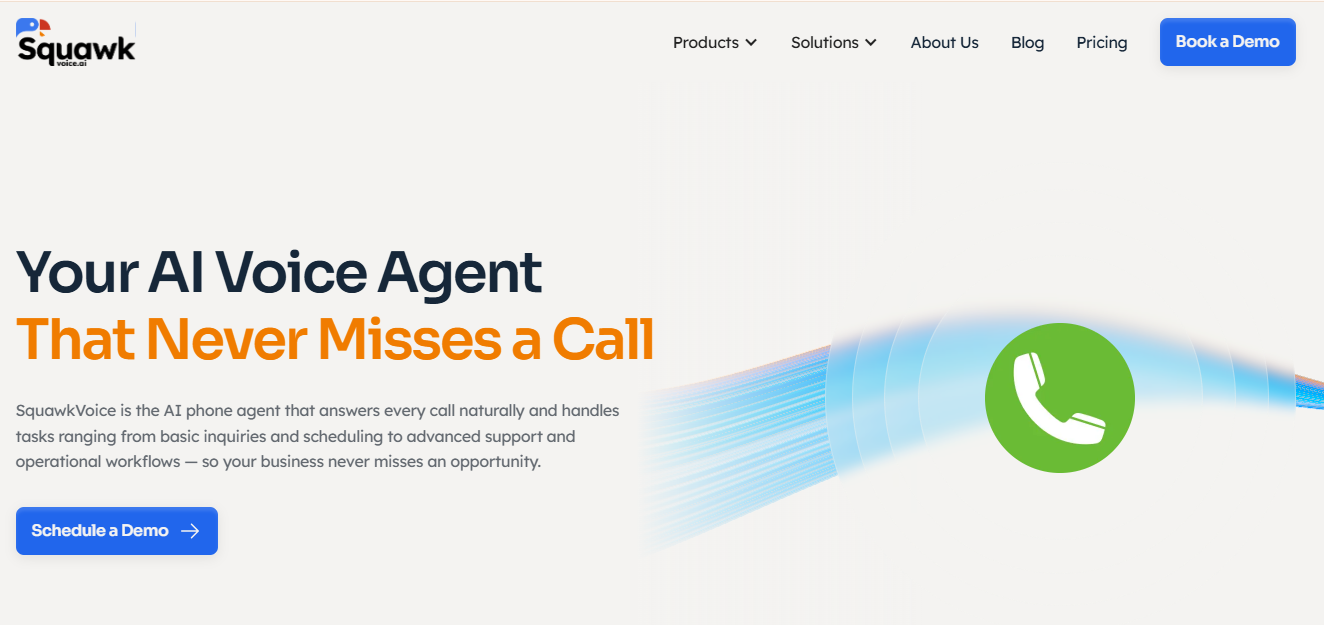
Pricing: Usage-based from $0.09/min. No per-call fees. No overage tiers.
Source: Squawkvoice homepage
SquawkVoice is a pure AI voice agent platform built for inbound business calls. No human receptionists. No per-call charges. No developer required to set it up.
The platform is available as a web application for mid-market companies that need custom workflows, system integrations, and call deflection at scale, and as a mobile app for solopreneurs and small business owners who need something they can configure and manage from their phone in minutes.
What sets it apart:
The AI gathers and uses context to have an informed conversation and doesn't ask callers to repeat information that your database already has. After the call, it automatically pushes transcripts, summaries, and extracted data to your tools.
The knowledge base supports large file uploads. You can load your product catalog, policy documents, FAQs, service descriptions, and pricing sheets, and the AI references them in real time.
Escalation includes the full conversation transcript, the caller's intent, and all data points collected during the call. Your team picks up with complete context.
• Deployment: The no-code Agent Builder lets non-technical teams configure an agent and go live the same day. Upload your knowledge base, set your action hooks, and forward your number.
• Security: SOC 2 compliant. GDPR ready. Enterprise SIP trunking with TLS and SRTP encryption.
• Where it falls short: SquawkVoice is AI-only. If your business requires a human on every call for regulatory or client-relationship reasons, this isn't the right fit. For the vast majority of inbound calls that follow predictable patterns, it handles them faster and more cheaply than any hybrid service.
The bottom line: SquawkVoice fixes every structural problem with Smith.ai: unpredictable pricing, shallow AI, no live data access, and slow deployment. A single Smith.ai overage call at $8.50 covers roughly 94 minutes of SquawkVoice handling time.
2. Ruby Receptionists: Best for Businesses That Insist on Human Agents
Best for: Professional services firms (legal, accounting, consulting) that want live, US-based receptionists and are willing to pay premium rates for the human touch.
Pricing: Starts at around $250/month for 50 receptionist minutes—per-minute overages apply. Higher-tier plans offer more included minutes.
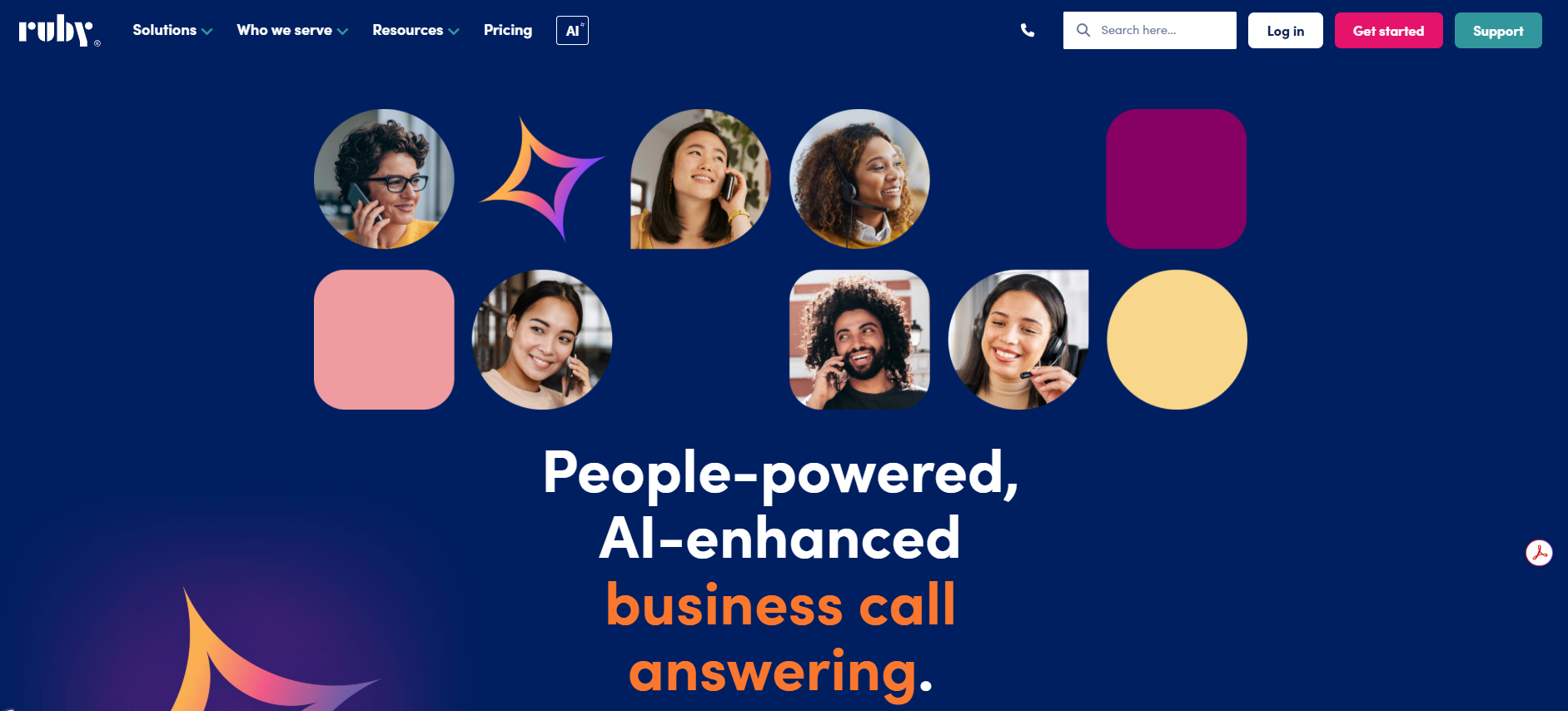
Ruby built its reputation on warmth. Real people answer your phone, greet callers by name, and handle intake, scheduling, and transfers. The service is polished, and the receptionists are well-trained. If you stay inside your minute bucket, the experience is good.
Where Ruby works:
If your callers expect a live human and your monthly volume is predictable and low, Ruby delivers. Receptionists are US-based. They handle appointment scheduling, client intake, basic call routing, and message-taking. Ruby integrates with tools like Clio for law firms and connects to basic CRMs for post-call data pushes.
Where Ruby falls short:
Pricing. Ruby's per-minute model gets expensive fast. Once you exceed your 50-minute bucket, overages kick in. A busy week can double your bill. There are no real-time data lookups. Receptionists can't pull order status or account history from your systems mid-call. Integrations are limited compared to AI platforms.
The bottom line: Ruby is the gold standard for live human answering. But you're paying a premium for it, and you get none of the real-time data access or autonomous multi-step handling that AI platforms deliver.
3. Goodcall: Best Budget AI Option for Solopreneurs
Best for: Solo operators and micro-businesses that need basic AI call answering at a low monthly cost.
Pricing: Starts around $79/month. Higher tiers available for more features and minutes.
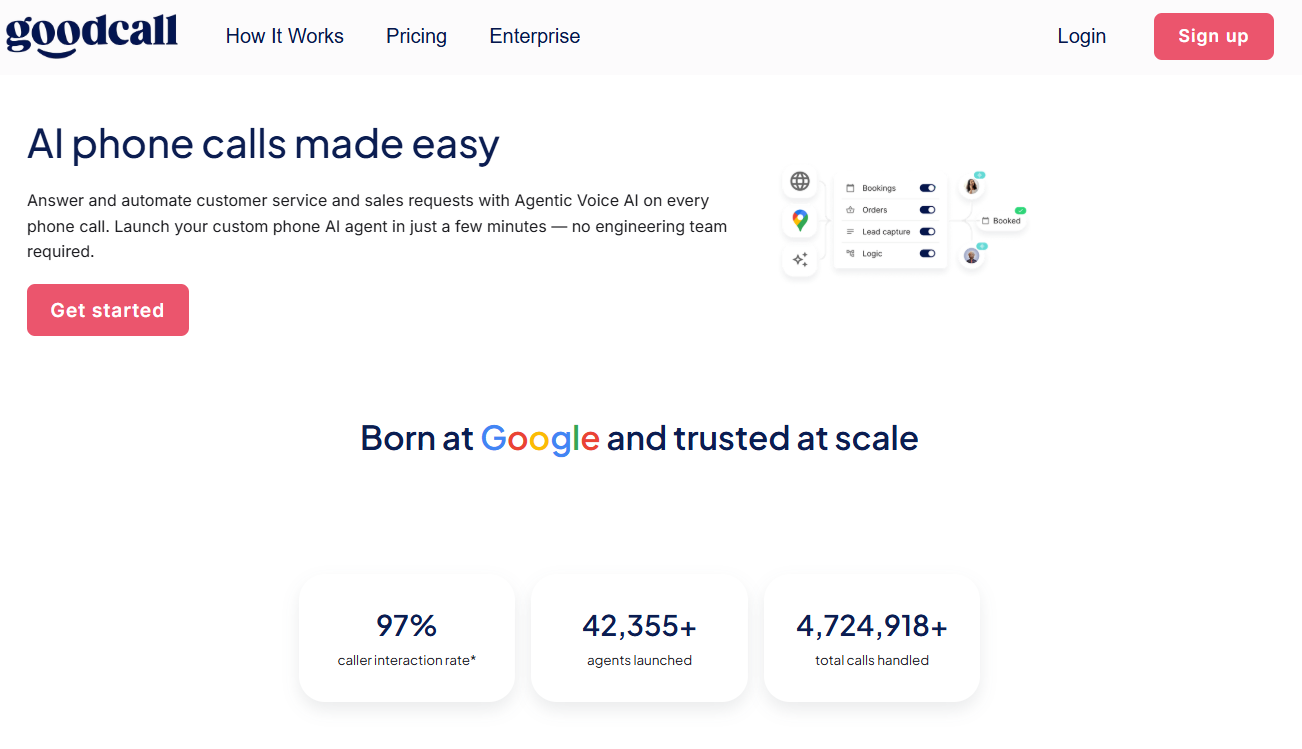
Goodcall is an AI answering service designed for small businesses that don't need and can't afford human receptionists. It handles inbound calls, captures caller information, answers common questions, and routes calls based on simple rules. Setup is straightforward and doesn't require technical skills.
Where Goodcall works:
The entry price is low enough to justify a one-person operation. The AI handles basic screening, greeting, and message-taking reliably. It integrates with Google Calendar for simple scheduling and pushes call data to a dashboard for review.
Where it falls short:
Goodcall's AI is shallow. It handles single-turn questions well, like 'What are your hours?', but struggles with multi-step conversations. There are no HTTPS action hooks for real-time data lookups. The knowledge base capabilities are limited.
Escalation is basic: if the AI can't handle the issue, the caller is transferred without detailed context. CRM integrations are minimal, with no native HubSpot or Salesforce connectors. And as your call volume grows, you'll hit plan ceilings that push you into higher tiers.
The bottom line: Goodcall is a solid starting point if you're fielding 10 to 20 simple calls per day and need something better than voicemail. You'll outgrow it the moment your calls require real conversations, live data, or complex workflows.
4. AnswerConnect: Best for 24/7 Human Coverage at Scale
Best for: Businesses that need round-the-clock live answering with bilingual support and are willing to pay for it.
Pricing: Starts around $350/month for 200 minutes (Plus a one-time setup fee of $49.99)—per-minute overages after that. Enterprise plans are available.
AnswerConnect homepage
AnswerConnect is a traditional answering service with live agents available 24/7/365. It covers inbound calls, appointment scheduling, order processing, and lead capture, all handled by human operators following your scripts.
Where AnswerConnect works:
Coverage is the selling point. Nights, weekends, holidays: someone always picks up. Agents are trained on your scripts and can handle warm transfers. Bilingual English/Spanish support is available.
Where it falls short:
Cost scales linearly with volume. Every additional minute costs money because every minute requires a human. There are no AI capabilities to offset the load. No real-time data lookups. No autonomous multi-step call handling. Integrations are limited to post-call syncing via basic CRM connectors and Zapier. Setup takes days of scripting and onboarding.
The bottom line: AnswerConnect solves the 'always available' problem with brute-force human staffing. That works if you have the budget. But you're paying 2026 prices for a 2015 service model.
5. Bland.ai: Best for Technical Teams Building Custom Voice AI
Best for: Mid-market and enterprise teams who need high call volumes handled at scale, with the option to build it themselves or have Bland's team do it with them.
Pricing: Not listed publicly. Contact for a quote.
Bland.ai homepage
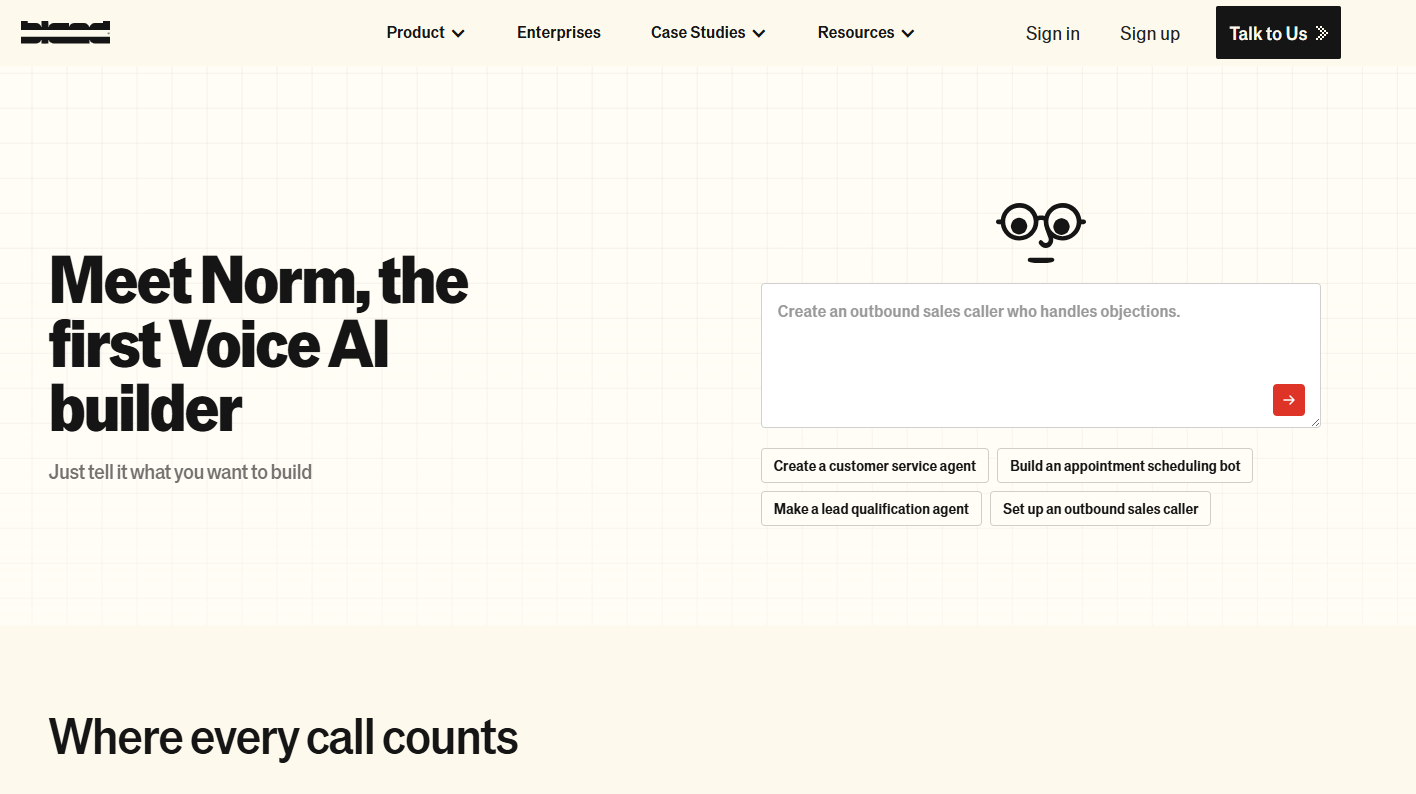
Bland.ai has moved well past its developer-only roots. The platform now ships Norm, a natural-language agent builder that lets you describe what you want and builds the conversation flow for you. Add a dedicated solutions engineer who can take you from kickoff to a live agent in 30 days, and this is a serious enterprise option rather than just a sandbox for engineers.
Where Bland.ai works: The scale story is real. Bland runs on dedicated GPUs, supports unlimited concurrency, and handles batch outbound campaigns without queue delays. Customers report 65%+ first-call resolution and hundreds of millions in annual cost savings.
Voice cloning from a single audio clip, emotion/tone markers, and multi-voice blending give you tight brand control on every call. The Pathways builder lets you map conversations visually, set guardrails, and define handoff conditions. Call recordings, transcripts, and sentiment analysis are all built in.
Where it falls short: The 30-day onboarding is impressive for enterprise AI, but not if you need something live this week. And despite Norm, you'll still want someone comfortable reviewing conversation logic and integration specs. Pricing is also opaque, with no public rate card, making budget comparisons difficult unless you get on a sales call.
The bottom line: For enterprise teams handling thousands of calls a day who want full control over how those calls sound and behave, it's worth a serious look. If you need a voice AI up and running by the end of the week with minimal setup, a platform like SquawkVoice will get you there faster.
6. ServiceAgent: Best for Home Services Businesses
Best for: HVAC, plumbing, electrical, and other home services companies that need AI call handling tuned to their industry.
Pricing: $20 worth of free credits. Contact sales for a quote.
ServiceAgent homepage
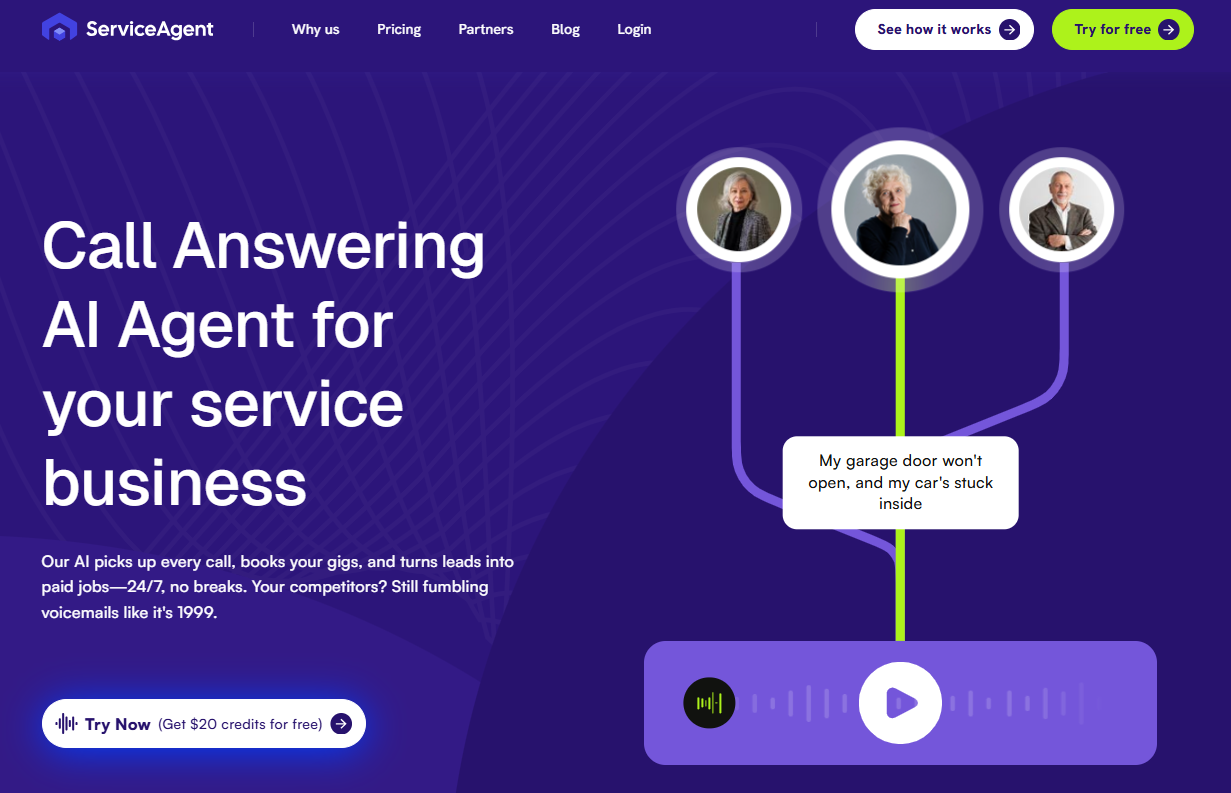
ServiceAgent built its AI specifically for home services. The agent understands service calls: scheduling technicians, qualifying job types, handling emergency dispatches, and capturing property details. If your business runs on ServiceTitan or Housecall Pro, ServiceAgent speaks your language.
Where ServiceAgent works:
Industry focus is an advantage. The AI is pre-trained on home services call patterns, so it handles 'my AC is broken, and I need someone today' better than a generic platform would out of the box. It integrates with field service management tools. Call routing accounts for technician availability and service areas.
Where it falls short:
The niche focus is also the limit. ServiceAgent isn't built for law firms, e-commerce, healthcare, or general B2B. Custom pricing means no transparency until you talk to sales. Real-time data lookups are limited compared to platforms with open HTTPS action hooks. Deployment takes days, not hours.
The bottom line: If you run a home services company and want an AI that understands your call types on day one, ServiceAgent is worth evaluating. Everyone else should look elsewhere.
7. Dialzara: Best for Basic AI Answering on a Tight Budget
Best for: Solopreneurs and micro-businesses that need AI to replace voicemail, nothing more.
Pricing: Starts around $29/month. Usage tiers available.

Dialzara homepage
Dialzara is an entry-level AI answering service. It picks up calls, greets callers, captures messages, and sends you summaries. Think of it as a smart voicemail replacement that sounds more professional than a recorded greeting.
Where Dialzara works:
The price is right. At $29/month, it costs less than a single Smith.ai overage call. Setup takes minutes. The AI handles basic screening and message capture without any technical configuration. For a freelancer or one-person shop that misses calls during meetings, Dialzara is better than nothing.
Where it falls short:
Dialzara can't do much beyond taking messages. No real-time data lookups. No multi-step conversation handling. No knowledge base uploads. No CRM integrations beyond basic email notifications. The AI voice quality is adequate but not conversational. The moment your needs grow beyond 'capture the caller's name and number,' you've hit the ceiling.
The bottom line: Dialzara is a voicemail upgrade, not a virtual receptionist. If you need more than message capture, and most businesses do, you'll outgrow it within weeks.
Summary Comparison: All 7 Alternatives vs. Smith.ai
How to Choose the Right Smith.ai Alternative
Ask yourself these five questions:
1. What happens when your call volume doubles?
Choose a model in which cost scales proportionally rather than exponentially. Usage-based per-minute pricing with no caps is the only structure that rewards growth.
2. Do your callers need answers, or do they need messages taken?
If most of your inbound calls are 'what's my order status,' 'can I reschedule,' or 'what does your warranty cover,' you need an AI agent that can access your data and answer in real time.
3. Who on your team will set this up and maintain it?
If you have developers, Bland.ai gives you maximum control. If you don't, and most businesses don't, you need a no-code platform that a marketing manager or office admin can configure in an afternoon.
4. What happens when the AI can't handle a call?
Ask any platform you're evaluating: when a call gets routed to a human, what information does that human receive? If the answer is 'the caller's phone number,' keep looking.
5. Does your industry have compliance requirements?
Healthcare, legal, and financial services: if you're in a regulated industry, your phone system handles protected data. SOC 2 compliance, GDPR readiness, and encrypted SIP trunking are requirements.
The Best Smith.ai Alternative for Most Businesses: SquawkVoice
Most businesses searching for Smith.ai alternatives share the same core frustration: they're paying too much for a system that can't do enough. SquawkVoice was built to solve that exact problem.
- No caller caps, no overage fees. Pricing starts at $0.09/min. You pay for what you use. A 3-minute call costs $0.27, not $8.50. Volume spikes don't trigger billing surprises. Your busiest month costs more than your quietest month, but proportionally, not punitively.
- Real-time data access during every call. Before the AI picks up, it hits your systems via HTTPS, pulling CRM records, checking account status, and loading caller history. During the call, it uses that context to resolve requests, such as checking order status, confirming appointments, and walking through policies. After the call, it pushes transcripts, summaries, and structured data to your tools. No Zapier middleware. No manual entry.
- Intelligent escalation with full context. When a call requires a human, the transfer includes the complete conversation transcript, the caller's intent, and all collected data points. Your team never has to ask, 'What's this about?' They already know.
- Knowledge base that works during the call. Upload product catalogs, policy documents, training manuals, pricing sheets, and FAQs. The AI reads them and answers for them in real time. No decision trees. No script writing. Your documentation becomes your agent's brain.
- No-code setup. Non-technical teams configure agents, set action hooks, upload knowledge bases, and go live the same day. No developers. No consultants. No multi-week onboarding process.
- Enterprise SIP trunking with TLS and SRTP. Bring your own carrier or use SquawkVoice's infrastructure. Encrypted end-to-end. SOC 2 compliant. GDPR ready.
Smith.ai charges $8.50 for a single overage call. That same $8.50 covers over 94 minutes of call handling on SquawkVoice, including real-time data lookups, intelligent escalation, and full post-call reporting. The math isn't close.
Ready to Stop Overpaying for Calls Your AI Can Handle?
SquawkVoice answers your calls with conversational AI, pulls live data before the agent speaks, and escalates with full context when needed.
Request a Demo → (No credit card required)
Frequently Asked Questions
What's the difference between an AI receptionist and a virtual receptionist?
A virtual receptionist is a human who answers your phone remotely. An AI receptionist is software that handles calls autonomously using conversational AI. AI receptionists handle unlimited concurrent calls at a fraction of the cost.
Can AI answering services book appointments directly into my calendar?
Yes, but not all of them do it the same way. Basic AI services capture the request and send you a notification to book manually. Advanced platforms like SquawkVoice use HTTPS action hooks to check calendar availability in real time during the call and confirm the appointment before the caller hangs up.
Is it hard to switch from Smith.ai to an AI alternative?
No. The switch typically involves three steps: forwarding your business phone number to the new platform, configuring your agent (call flows, knowledge base, integrations), and testing with a few calls.
Will callers know they're talking to AI?
It depends on the platform. Low-end AI services sound robotic and stilted. Modern conversational AI, built on large language models with high-quality voice synthesis, sounds natural enough that most callers don't notice.
What are the best Smith.ai alternatives for home services businesses?
ServiceAgent is purpose-built for home services and integrates with tools like ServiceTitan. But it's limited to that vertical and uses custom pricing. SquawkVoice handles home services calls just as effectively: scheduling, dispatch, after-hours booking, while also supporting any other call type your business handles.
Do I need a developer to set up an AI voice agent?
Not with every platform. Bland.ai requires engineering resources. Goodcall and Dialzara are simple but limited. SquawkVoice sits in the sweet spot: a no-code Agent Builder.