%201.svg)


.png)


Goodcall is an AI-powered phone assistant that answers calls, captures leads, and handles basic customer questions for small businesses. It launched from the Google ecosystem, uses GPT under the hood, and has built a user base of over 10,000 businesses.
The pitch is straightforward: set up an AI receptionist in minutes, pay a flat monthly fee with unlimited call minutes, and stop losing calls to voicemail. For solopreneurs and micro-businesses, that pitch delivers. For growing operations, the story gets more complicated.
This review covers what Goodcall actually does well in 2026, where it falls short, pricing details, and how it compares to SquawkVoice.
Quick verdict
Good entry point for basic call answering, but limited growth ceiling. Voice quality, integrations, and scalability lag behind newer platforms.
Best for
- Solopreneurs who need calls answered while they’re on a job site
- Micro-businesses with under 100 unique callers per month
- Simple FAQ handling: hours, location, pricing, basic service questions
- Businesses that want unlimited minutes without per-minute billing anxiety
Not ideal for
- Businesses with seasonal caller spikes (unique caller caps create overages)
- Teams needing native CRM or calendar integrations (Zapier only)
- Multilingual operations beyond 7 languages
- Complex call routing, multi-step intake, or conditional escalation
- Growing businesses that will outgrow the 100–500 unique caller caps
What is Goodcall (and how it’s different)
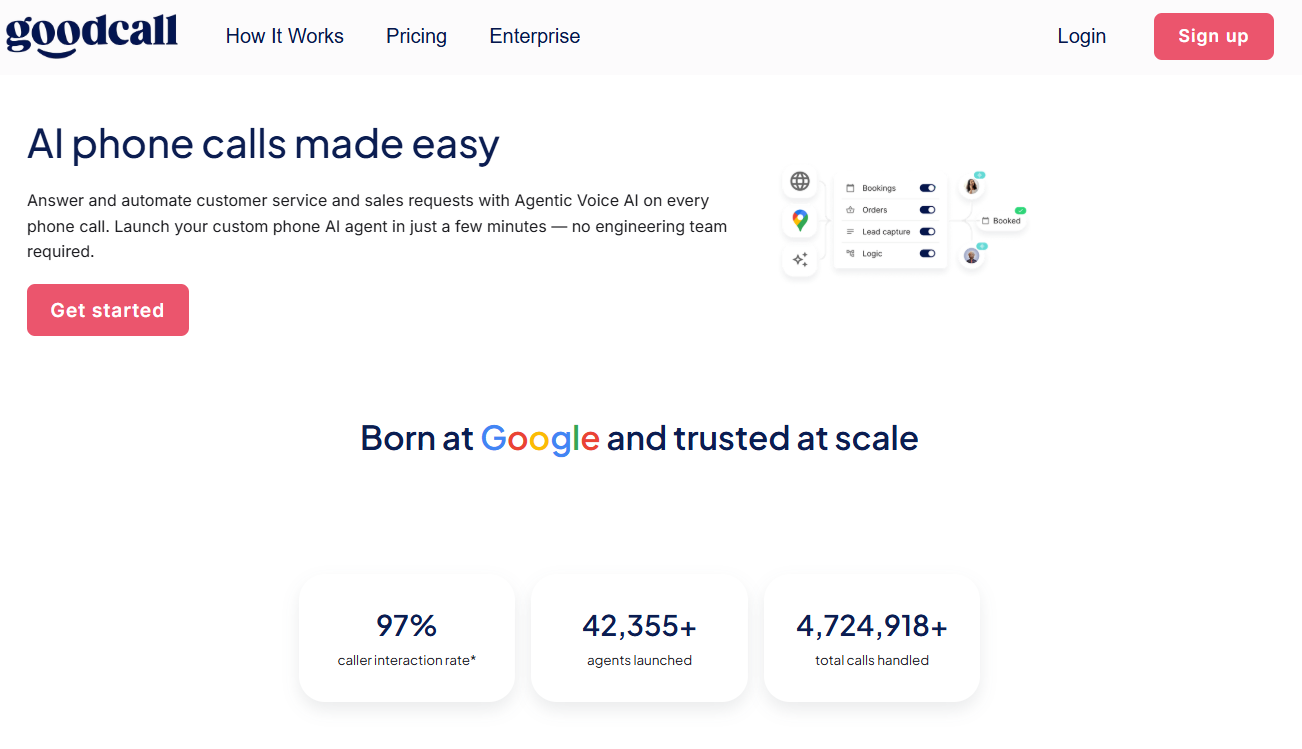
Goodcall is a cloud-based AI phone assistant that acts as a virtual receptionist. It answers calls 24/7, responds to common questions using your business information (including Google Business Profile data), captures leads, and triggers basic actions, such as appointment requests.
The key differentiator is its pricing model: you pay per unique caller rather than per minute. A customer who calls 10 times in a month counts as 1 unique caller. Long calls don’t cost extra. For businesses with repeat callers and longer conversations, that’s a real advantage over per-minute platforms.
The trade-off is that high volumes of different callers (exactly what happens when marketing works) trigger overages at $0.50/caller.
Key features that matter in real work
Features are different on paper and in production. Here’s how Goodcall actually works in real life.
Agent setup and customization
Goodcall uses a no-code interface with “skills” and “flows” to configure how the AI handles calls. You can set greetings, FAQ responses, call routing rules, and basic conditional logic. Pre-built templates cover 20+ service industry verticals (HVAC, dentists, auto repair, salons).
Setup is fast, with most users reporting being live within minutes. Where it gets harder is when you need multi-step logic or conditional branching beyond what the flow builder supports.
Our competitor analysis rated Goodcall’s setup as “low-code with simple onboarding”, but the onboarding flow itself isn’t particularly intuitive or visually appealing compared to platforms that use guided templates and grouped menus.
Call handling and lead capture
The AI answers calls instantly, responds to common questions, captures caller name and contact information, and sends summaries via SMS, email, or Google Sheets. It handles structured intents well: business hours, locations, simple service questions. Performance drops when conversations become nuanced or go off-script.
Goodcall can greet return callers by name when configured, which reportedly pushes interaction rates as high as 97% in optimized setups.
Appointment scheduling
Goodcall integrates with calendars to check availability and handle basic booking requests during calls. Cal.com and GoHighLevel are supported, with other calendars connecting through Zapier. It also sends follow-up reminders automatically.
Integrations
This is a weak spot. Integrations run through Zapier and Google Sheets — no native CRM connections. For businesses that need the AI to pull customer data into the conversation in real time, Zapier’s latency and one-directional data flow create friction.
Our side-by-side comparison confirmed this gap: Goodcall’s call actions can be customized using dropdown menus, API calls, and custom call flows, but the overall post-call visibility is limited. Transcripts are available, and recordings require consent, but there are no actionable summaries, meaning your team has to manually review transcripts to extract what happened on each call.
Post-call visibility: the gap that matters
This is where the difference between Goodcall and newer platforms becomes stark. Here’s a direct comparison from our evaluation:
Source: SquawkVoice internal competitor evaluation (2025)
Multilingual support
Goodcall supports about 7 languages. Functional for English-primary businesses, but limiting for dental clinics, med spas, or service businesses serving diverse communities. Reviewers note that deep dialect handling and automatic language switching are areas where Goodcall falls behind.
Analytics and reporting
The dashboard shows call volume, customer interactions, and lead capture data. Call recordings are available (consent required), and transcripts can be reviewed. Data retention varies by plan: 7 days on Starter, 30 days on Growth, and unlimited on Scale.
Our evaluation found that Goodcall’s analytics track outcomes and resolution trends through actionable dashboards, which is one of its strengths. The analytics cover the basics, but lack depth for operational insights such as sentiment tracking or agent performance optimization.
Goodcall pricing overview
Goodcall uses subscription-based pricing with three tiers. All plans include unlimited minutes and AI tokens: you’re billed by unique callers, not call duration.
Hidden cost considerations
Every agent needs its own Goodcall number. If a customer calls from a different phone number, they count as a new unique caller, eating into your limit. Multi-location businesses multiply costs by agents needed. Five agents on the monthly Growth plan runs $645/month before any overages.
Usability and setup experience
Here are a few factors you need to consider from the overall UX/CX point of view.
How fast can you get an agent live?
Fast. Goodcall is one of the quickest platforms to deploy. You answer a few setup questions, configure your business information, select a voice, and you’re live. Most users report being operational within minutes.
Flexibility vs. simplicity trade-off
Goodcall is optimized for simplicity, which means you sacrifice flexibility. The Starter plan’s single logic flow handles basic routing but can’t support multi-step intake or conditional escalation. Even the Scale plan’s 25 logic flows feel restrictive compared to platforms where agent configurations aren’t artificially capped.
Our comparison found that SquawkVoice offers the ability to duplicate and export AI agents easily, while Goodcall’s multi-step workflows are flow-and-subflow based with plan-tier restrictions. If you’re the type of business that needs to iterate on agent behavior quickly, the capped flow structure gets in the way.
Pros and cons
Pros
- Unlimited minutes and AI tokens on all plans, so no per-minute anxiety
- Fast setup: live in minutes with pre-built industry templates
- Unique caller pricing is predictable for businesses with repeat customers
- 14-day free trial, fully featured
- 24/7 availability with instant call answering
- Compliance coverage: HIPAA, SOC 2, GDPR listed
Cons
- Unique caller caps (100–500) create overages during growth or busy seasons
- Voice quality is noticeably robotic compared to newer platforms
- Integrations are Zapier-only, with no native CRM connections
- Limited to about 7 languages
- Logic flow caps (1–25 by plan) restrict complex call handling
- Per-agent pricing makes multi-location businesses expensive
- Call history capped at 7 days on Starter
- No outbound calling capabilities
- Requires existing phone system for deployment (not fully standalone)
- No actionable post-call summaries or structured actions
Goodcall vs. SquawkVoice: which AI receptionist wins in 2026?
SquawkVoice is an AI voice platform that answers inbound calls, resolves routine requests, books appointments, and escalates complex issues to live agents with full conversation context. It ships as two products: a mobile app for small business owners who need a receptionist running in minutes, and a web app for mid-market teams with backend integrations and multi-step workflows.
We ran a head-to-head comparison across 17 capabilities. Here’s the full breakdown:
Source: SquawkVoice competitor analysis (2025)
Which is better for quick setup?
Both are fast. Goodcall gets you live in minutes with a template-driven flow. SquawkVoice’s mobile app is comparably quick: set up an AI receptionist from your phone in under 5 minutes. Tie on speed; SquawkVoice edges ahead on mobile convenience.
Which is better for growing businesses?
SquawkVoice. No caller caps means marketing campaigns, seasonal spikes, and business growth don’t trigger overage fees. Goodcall’s unique-caller model punishes exactly the growth that healthy businesses want.
Which is better for multilingual support?
SquawkVoice by a wide margin. 40+ languages versus Goodcall’s ~7. For dental clinics, med spas, or HVAC companies in diverse communities, SquawkVoice handles multilingual callers without add-ons or workarounds.
Which is better for integrations?
SquawkVoice connects to CRMs, calendars, and backend systems natively — including Freshworks. Data flows in real time during calls: pulling up customer records, logging outcomes, creating tickets. Goodcall routes everything through Zapier, which adds latency and limits what’s possible mid-call.
See why SquawkVoice is a (better than) Good alternative to Goodcall
Request a Demo →
Best alternatives to consider
If you’ve outgrown Goodcall’s caller caps: SquawkVoice. Flat $0.20/min with no unique caller limits, mobile app, 40+ languages, native Freshworks integration.
If you need outbound campaigns: Synthflow. Drag-and-drop agent builder with outbound tools, white-labeling, and lead list automation.
If you want developer control: Retell AI ($0.07/min base) or Vapi ($0.05/min platform fee) for modular, API-first voice AI.
Human support for sensitive calls: Smith.ai. AI + live receptionist hybrid from $300/month.
What’s best for your business?
Goodcall does one thing well: it stops the phone from ringing off the hook for solopreneurs and micro-businesses. The unlimited minutes model, fast setup, and low starting price make it a reasonable entry point.
But the unique caller caps, Zapier-only integrations, limited languages, dated voice quality, and lack of post-call actionable summaries create a ceiling that growing businesses hit quickly. If you’re handling more than 100 unique callers a month, running marketing campaigns that drive new inbound calls, or serving multilingual communities, you’ve outgrown what Goodcall offers.
For most SMBs upgrading from Goodcall, SquawkVoice offers the best combination of simplicity, scalability, and flat pricing, with no caller penalties.
Frequently asked questions
Is Goodcall worth it in 2026?
For solopreneurs and micro-businesses with under 100 unique callers per month, yes. The unlimited minutes and fast setup deliver good value at $59/month. For growing businesses, caller caps, limited integrations, and a lack of structured post-call data reduce returns.
Does Goodcall have a free plan?
No permanent free plan. Goodcall offers a 14-day fully featured free trial. After that, plans start at $79/month (Starter) or ~$66/month with annual billing.
How much does Goodcall cost per month?
Starter: $59/agent/month. Growth: $99/agent/month. Scale: $199/agent/month. Annual billing saves ~30%. All plans include unlimited minutes and tokens.
What’s the difference between Goodcall and SquawkVoice?
Goodcall charges per unique caller with unlimited minutes: good for repeat callers, bad for growth. SquawkVoice charges per minute with no caller caps and scales predictably. SquawkVoice also offers 40+ languages, native integrations (including Freshworks), a mobile app, and structured call summaries with actions that Goodcall doesn’t match.
Can Goodcall handle multilingual calls?
Limited to ~7 languages. If you need broader coverage, SquawkVoice (30+), Synthflow (20+), or Vapi (100+) are better options.